.svg)

Best Session Replay Tools in 2026: Compared for Product and Growth Teams
Your analytics tell you where users drop off. Session replay tells you why — you watch the rage clicks, the dead ends, the form field nobody finishes. The catch is that "best session replay tool" has no single answer: the category splits hard by what you need replay for. A developer debugging a production error, a marketer optimizing a landing page, and a PM diagnosing an activation drop all need different tools. This guide compares the leading options in 2026 and, more usefully, tells you which one fits your situation.
The short version: The best session replay tools in 2026 each win a different use case rather than one being best for everyone. Microsoft Clarity is the top free option (unlimited recordings). Hotjar suits small UX and marketing teams who want replay alongside heatmaps and surveys. LogRocket is built for developers debugging production issues. PostHog fits technical teams wanting open-source, self-hostable replay bundled with analytics. FullStory serves enterprise digital-experience analytics. And Amplitude is the strongest choice when you want replay tied directly to product analytics and experimentation — so a recording is one click from the funnel that flagged the problem. Choose by what you need replay for, not by a single "best."
How to choose a session replay tool
Before the tools, four questions separate them more than any feature list:
- What do you need replay for? Debugging production bugs (developer tools), optimizing pages and UX (CRO tools), or understanding product behavior (analytics-integrated tools)? This is the biggest fork.
- Point solution or integrated platform? A standalone recorder answers "what happened on this page." A platform that ships replay with analytics lets you jump from a funnel drop-off straight to the recordings behind it — no second integration later.
- Always-on or on-demand? Most tools record every session continuously; that's powerful but carries performance and privacy overhead.
- Free, mid-market, or enterprise? Budgets range from genuinely free to enterprise quotes, and the free tiers vary wildly in what they cap.
A note on pricing below: it's accurate as of early 2026 and moves often, so treat figures as directional and confirm current pricing before you buy.
The best session replay tools in 2026
Amplitude Session Replay — best for replay tied to product analytics
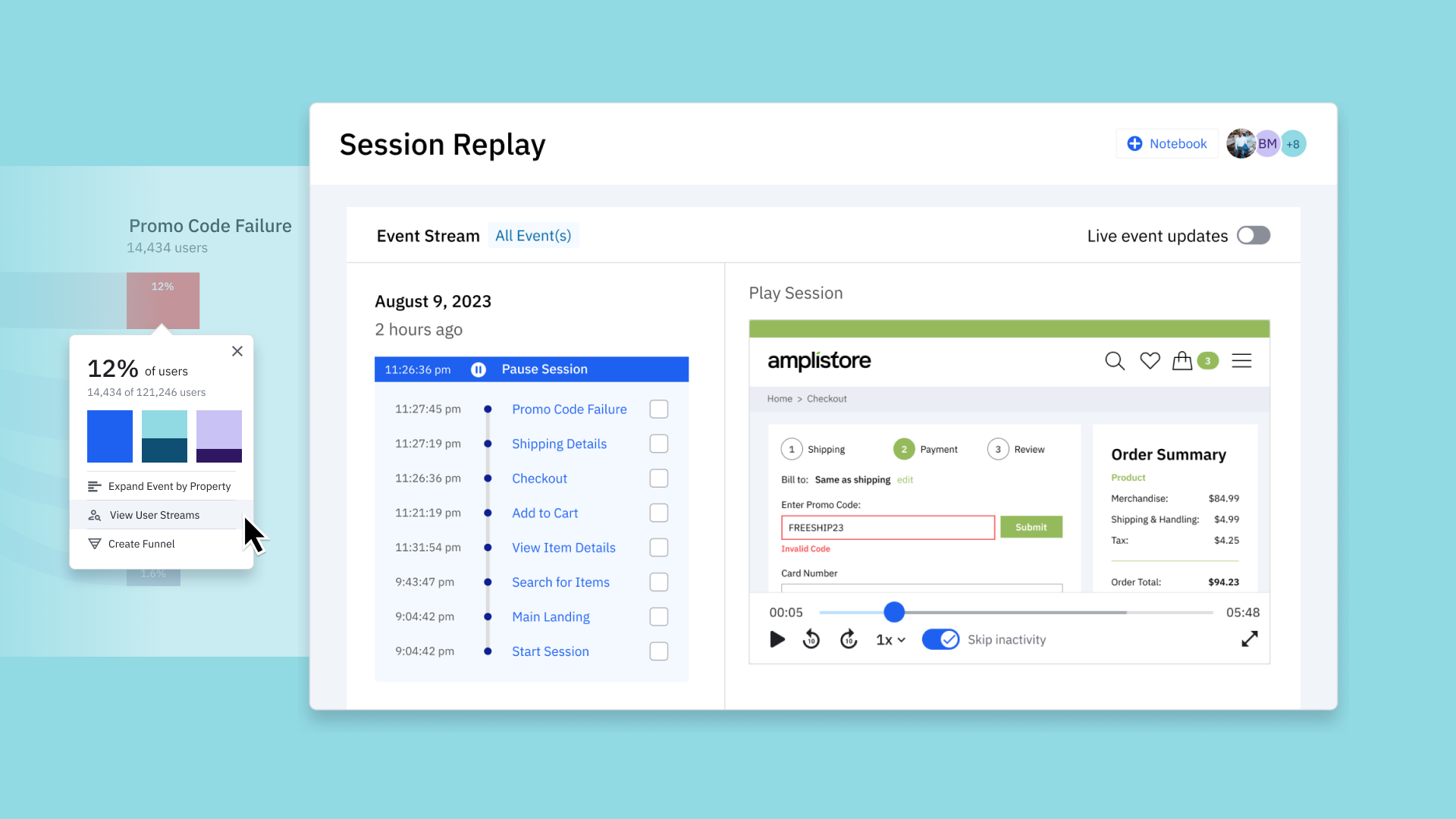
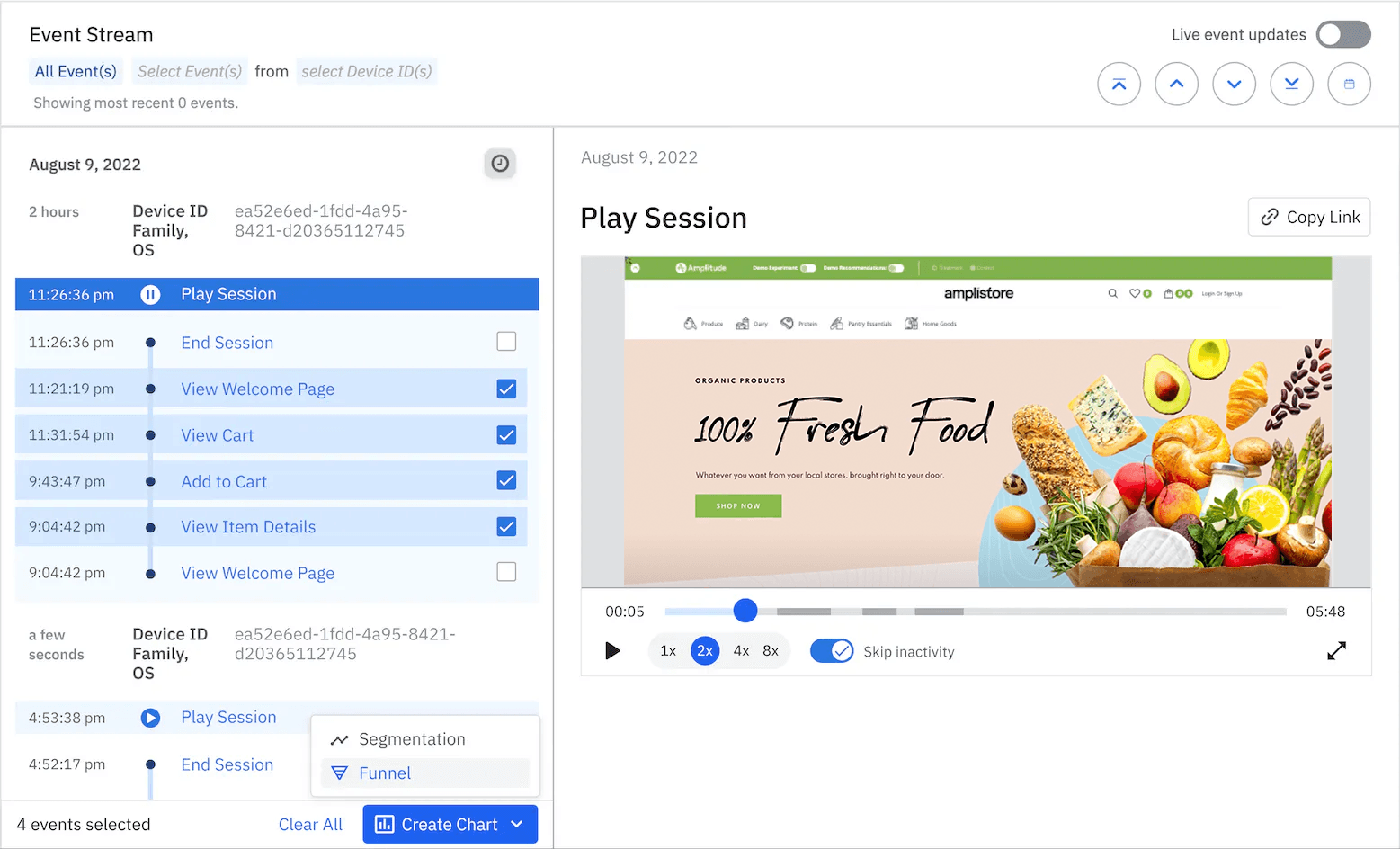
Amplitude's advantage is integration: Amplitude ships Session Replay tied directly to product analytics, so a replay is one click from the funnel that flagged the problem. Instead of watching the drop-off in one tool and the recording in another, you go from "activation stalled at step 3" to watching the users who stalled — in the same place. Setup is fast via a CLI wizard, and there's a usable free/starter tier.
Best for: product and growth teams who already run (or want) product analytics and experimentation in one platform. Trade-off: it's most valuable because it's part of Amplitude — if you only want a standalone recorder, it's more than you need. We go deep on the feature in our guide to Amplitude Session Replay, and because replays are far more useful when tied to identified users, it's worth getting user identity set up correctly first.
Microsoft Clarity — best free option
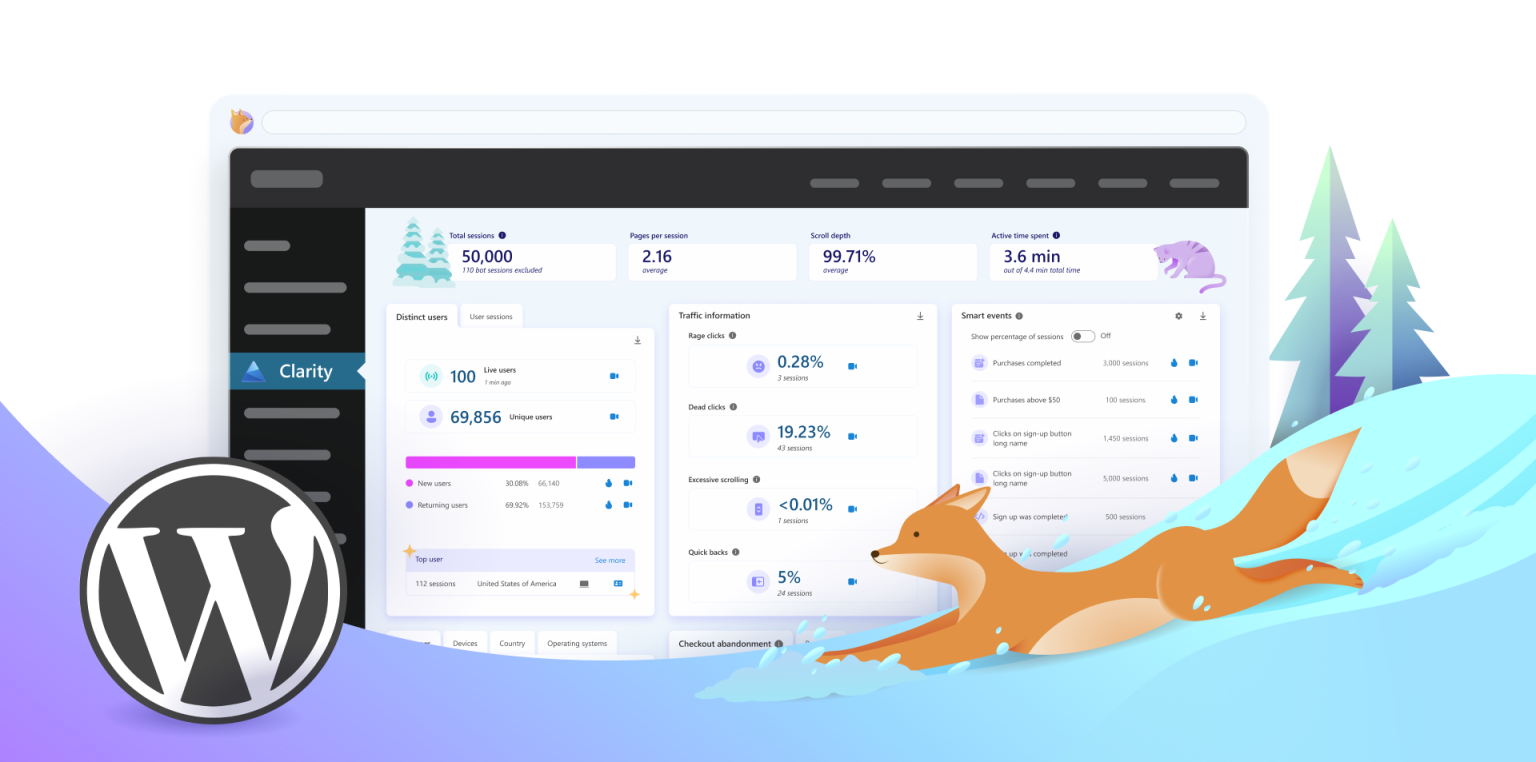
Microsoft Clarity is the best free option — genuinely unlimited recordings at zero cost, ideal for small teams and first-time users. It installs with a single script tag and includes heatmaps, backed by Microsoft's infrastructure.
Best for: anyone who wants to start with session replay at zero cost, and small teams validating whether replay is useful before paying for anything. Trade-off: it's a diagnostics tool, not product analytics — PMs and growth teams get limited quantitative insight from it, and custom-event/data-region options are constrained.
Hotjar — best for small UX and marketing teams
Hotjar bundles replay with heatmaps and surveys in one accessible interface, and a small marketing team can run it without an engineer. It treats replay as a companion to its heatmap and feedback tools rather than the main event.
Best for: small UX, marketing, and CRO teams doing landing-page and on-site optimization. Trade-off: it's a standalone recorder — great for "what happened on this page," less so once your questions turn quantitative. Free tier is limited (roughly 35 sessions/day); paid plans start around $32/month. (Hotjar is now part of Contentsquare.)
LogRocket — best for developers and debugging
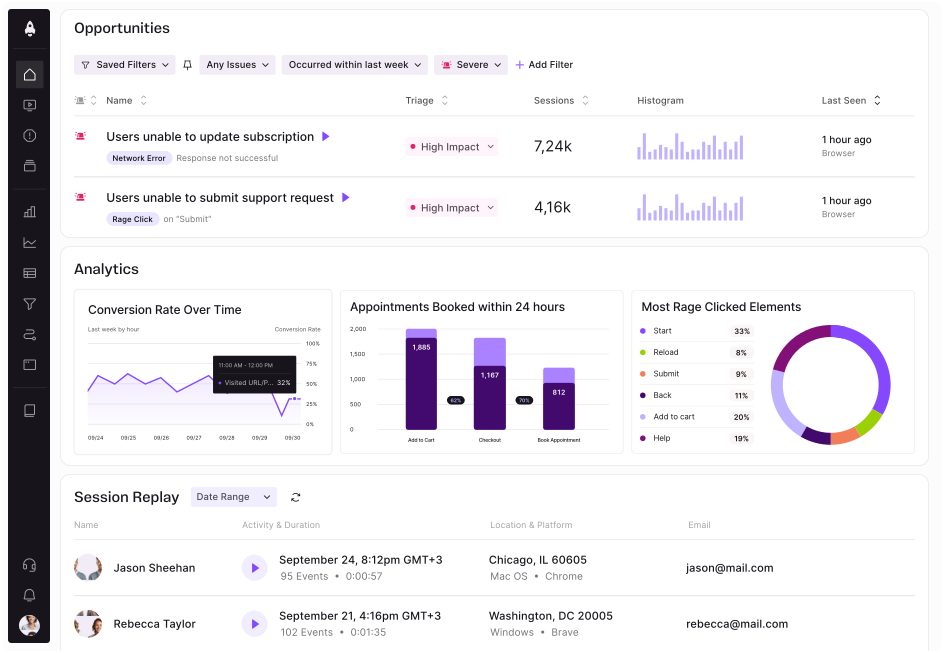
LogRocket is a frontend-monitoring and replay tool built for engineers. It captures session replays alongside Redux and Vuex state trees, network requests, and console logs, making it a debugging tool that happens to have replay rather than an analytics tool with replay built in. Its Galileo AI layer auto-surfaces high-impact issues so engineers don't manually review sessions.
Best for: engineering teams whose main question is "what did the user do right before this error?" Trade-off: funnel analysis, retention cohorts, and experimentation are not core strengths — it's a developer tool, not a PM/growth one. Free tier around 1,000 sessions/month; paid plans scale from there.
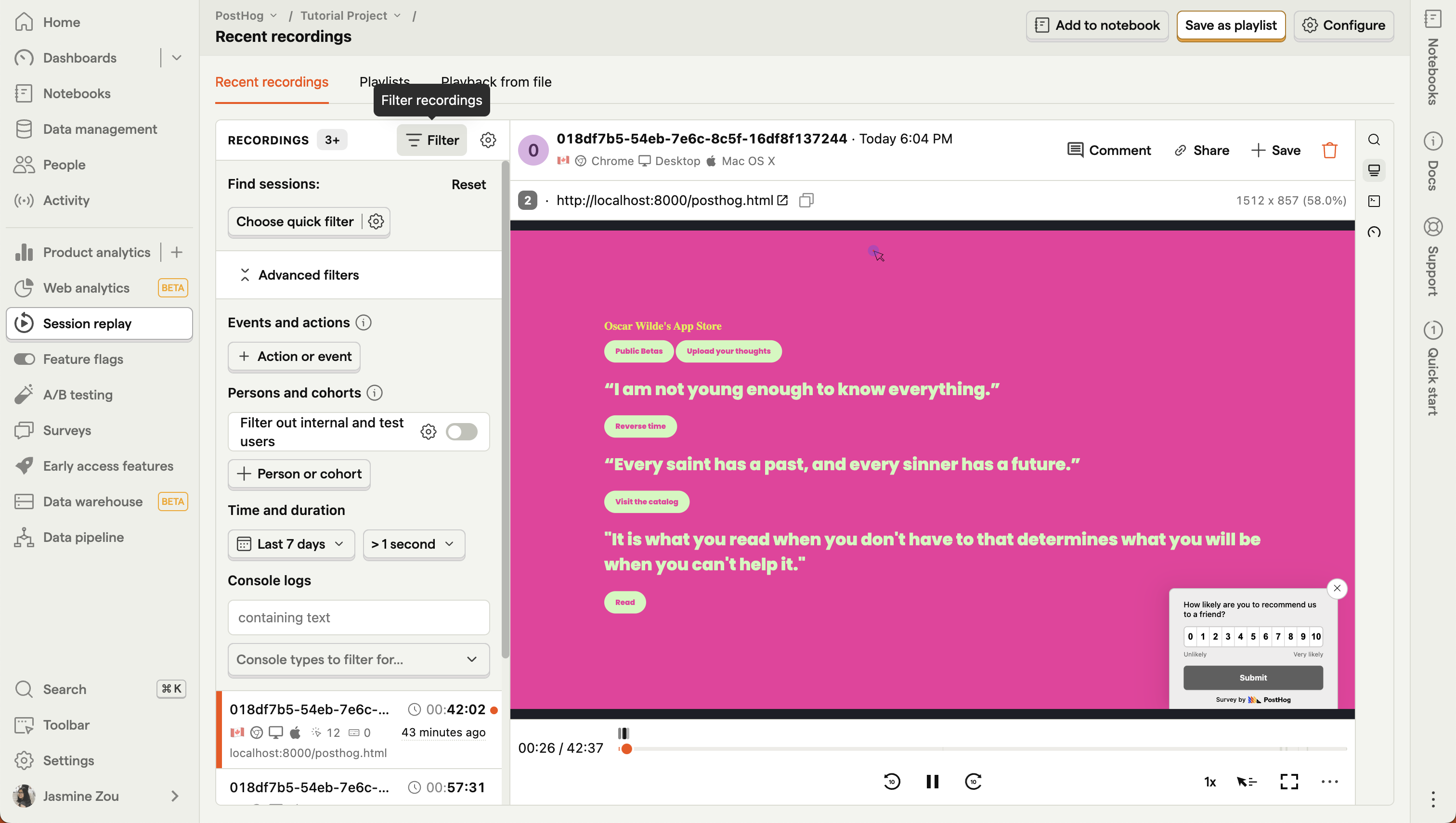
PostHog — best open-source / all-in-one
PostHog includes session replay as a core product alongside analytics, feature flags, and surveys, is open-source, and can be self-hosted end to end. The free tier (around 5,000 recordings/month) is real, and pricing scales with usage rather than seats.
Best for: technical teams that want analytics, flags, experiments, and replay in one self-hostable stack — and anyone for whom data sovereignty is non-negotiable. Trade-off: the replay viewer is good rather than best-in-class, and self-hosting demands ongoing engineering investment.
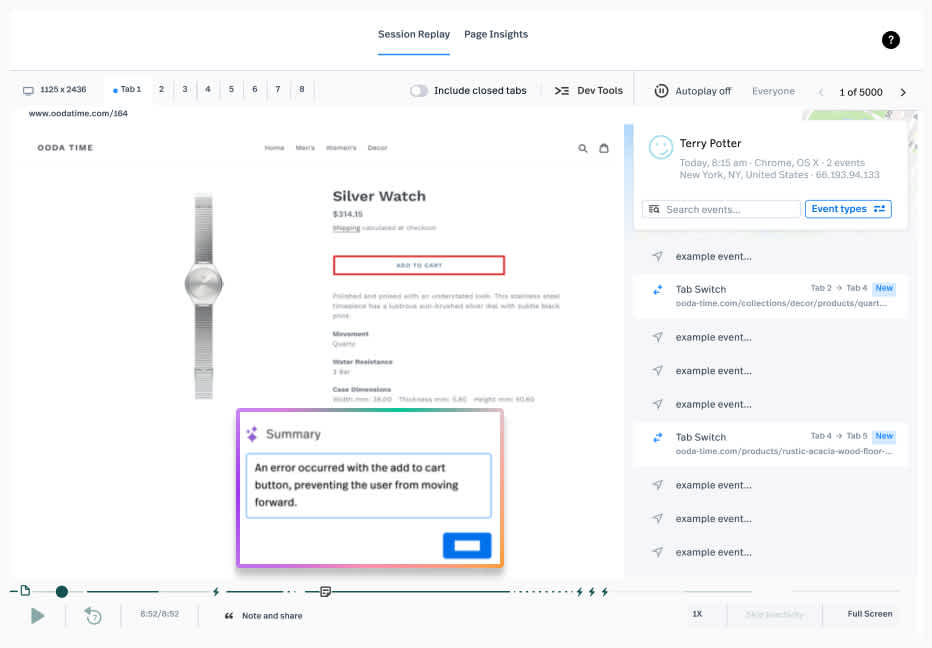
FullStory — best for enterprise experience analytics
FullStory is a full digital-experience analytics platform with always-on 100% session capture, rage-click detection, and behavioral analytics at scale. It's built for large teams with the budget and volume to match.
Best for: enterprise UX and digital-experience teams needing comprehensive, always-on capture. Trade-off: enterprise pricing (quoted per company) and always-on recording overhead put it out of reach for most small teams.
Also worth a look
Depending on your needs: Contentsquare and Quantum Metric for enterprise experience analytics (Quantum Metric emphasizes 100% capture and AI-driven friction-to-revenue analysis); OpenReplay as another open-source, self-hostable option; and Datadog RUM or Sentry Replay if you already use them for monitoring and want replay attached to your error tracking.
Quick pick: which one is right for you?
- Zero budget / just starting: Microsoft Clarity.
- Small UX or marketing team doing CRO: Hotjar (or Clarity if free is the priority).
- Engineers debugging production issues: LogRocket.
- Open-source / self-hosted / all-in-one: PostHog.
- Enterprise experience analytics at scale: FullStory (or Contentsquare / Quantum Metric).
- You want replay connected to product analytics and experimentation: Amplitude.
The tool is only half the job
Whichever tool you choose, session replay delivers the most value when it's paired with quantitative data rather than watched in isolation. Replay answers why; your analytics tell you where and how many. The powerful workflow is to spot a problem quantitatively — a leak in your funnel analysis, say — then watch the replays of the users who dropped to understand the cause, whether that's confusion, a bug, or on-page frustration. That's also why teams increasingly favor replay that lives inside their product analytics stack: the fewer clicks between the number and the recording, the more replay actually gets used.
Get more from session replay
Picking the tool is easy; wiring it into a workflow your team actually uses — connected to your funnels, cohorts, and identified users — is where the value is. Our Analytics Retainer gives you ongoing, hands-on support to get real insight out of session replay and the rest of your analytics stack, not just recordings nobody watches.
Frequently asked questions
What is the best session replay tool in 2026?
There's no single best — the category splits by use case. Microsoft Clarity is the best free option, Hotjar suits small UX and marketing teams, LogRocket is built for developer debugging, PostHog is the open-source all-in-one, FullStory serves enterprise experience analytics, and Amplitude is best when you want replay tied directly to product analytics and experimentation.
What is the best free session replay tool?
Microsoft Clarity, by a wide margin — it offers genuinely unlimited recordings at no cost, installs with a single script, and includes heatmaps. Several others (Hotjar, LogRocket, PostHog, Amplitude) offer usable free tiers too, but Clarity is the standout zero-cost baseline.
What's the difference between session replay and product analytics?
Product analytics quantifies what users do and where they drop off (funnels, retention, cohorts); session replay shows why by recording actual sessions. They're complementary — the strongest setups let you move directly from a quantitative signal to the replays behind it, which is why analytics-integrated replay (like Amplitude's) is increasingly popular.
Which session replay tool is best for developers?
LogRocket, because it captures replays alongside console logs, network requests, stack traces, and state trees — the technical context engineers need to debug production issues. Its AI layer also surfaces high-impact errors automatically. It's less suited to PM and growth use cases like funnels and experimentation.
How much do session replay tools cost?
It ranges widely and changes often. Microsoft Clarity is free with unlimited recordings; PostHog is free up to ~5,000 recordings/month then usage-based; Hotjar starts around $32/month; LogRocket has a free tier (~1,000 sessions/month) with paid plans scaling up; and FullStory is enterprise-quoted. Always confirm current pricing before buying.


.png)